

AdminWorkspace
Set the workspace ontology
The ontology tells agents what the workspace is for: a mission and a list of goals.
You need a role with Manage Workspace Settings, such as Admin. Open Settings > Ontology under Workspace · "name".
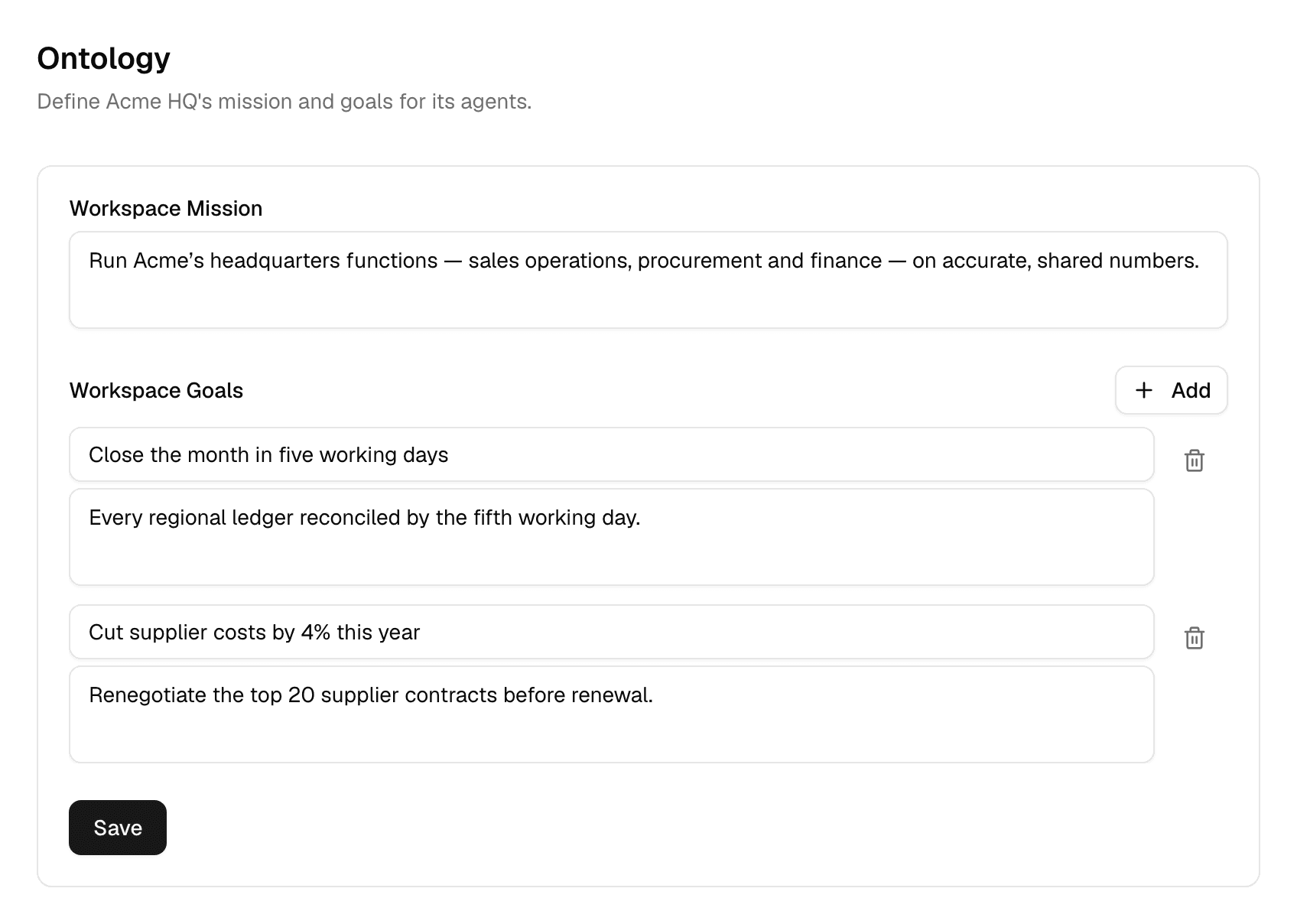
Write the mission and goals
- Under Workspace Mission, describe in a sentence or two what the workspace exists to do.
- Under Workspace Goals, select Add for each goal, then enter a Title and, optionally, a Description.
- Select Save.
The trash icon next to a goal removes it; select Save again afterwards.
Which agents use it
- Only agents with Use Ontology turned on in their settings receive the ontology. Turning it on changes the agent's draft, so it takes effect once the agent is published. See Configure an agent and Test and publish.
- Those agents get the workspace's mission and goals, together with the company's value proposition, values and goals, on every run in this workspace.
- The company part is the same in every workspace and is set by your Alomana administrator.
To set the mission and goals with an API key, see Workspace context and templates in the API documentation.