

Organization billing
The organization's Billing page shows who manages the organization's plan, and on deployments with self-serve billing, its seats and payment details.
You must be an organization Admin. Open Settings > Billing under Organization · "name".
Members of an organization do not have the personal Billing page under Account: their plan comes from the organization.
When Alomana manages your plan
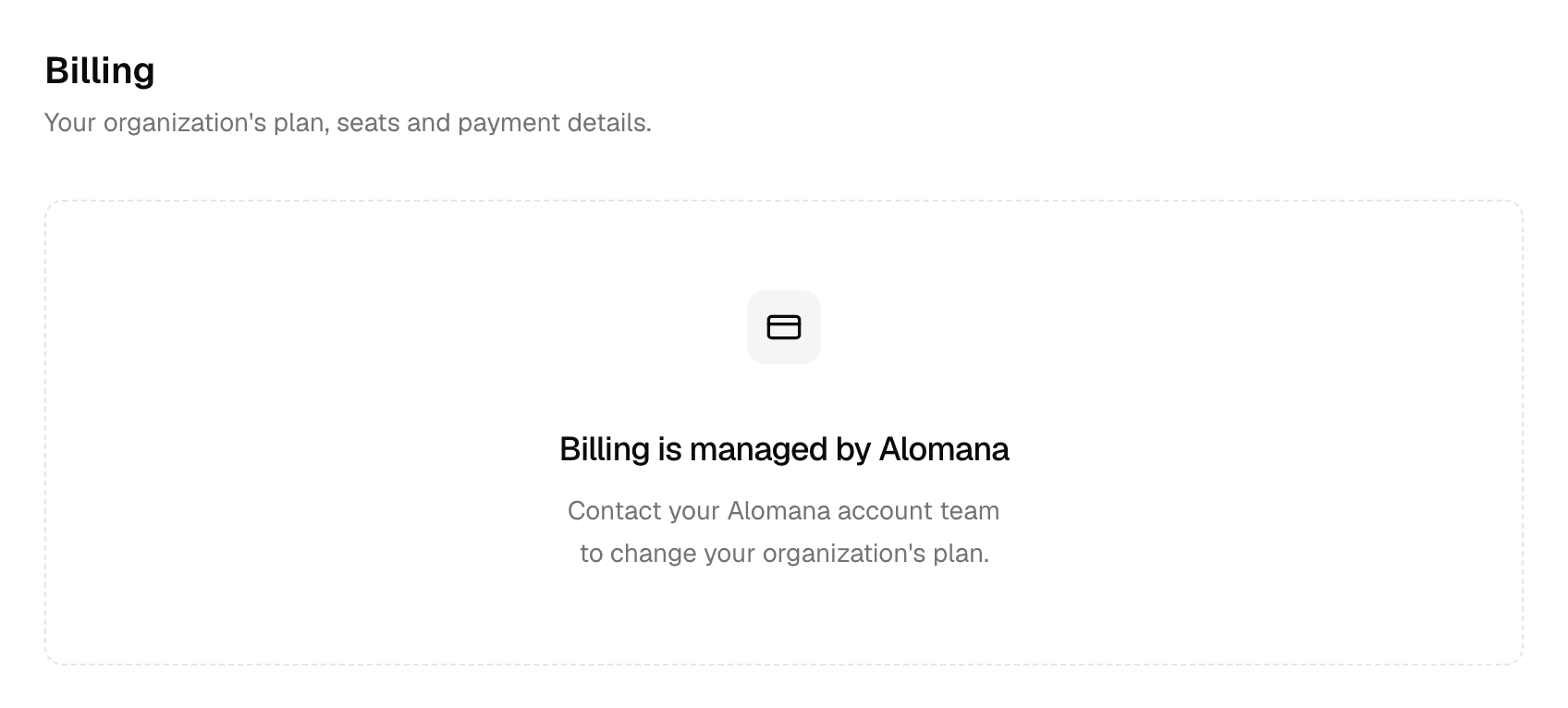
The page shows Billing is managed by Alomana. Contact your Alomana account team to change the organization's plan.
You still choose each member's plan yourself, in the Plan column of Members. Nothing is charged there. See Manage members and seats.
When you buy seats yourself
On deployments where your company pays Alomana online, the page shows the organization's plan and seats instead.
| Section | Shows |
|---|---|
| Plan | The plan, its number of seats and monthly price, its status and its renewal date |
| Seats | Each seat type with Seat, Price, Members and Subtotal. Manage seats opens Members. |
| Billing details | The payment details, changed through Manage billing |
| Cancel | Cancelling the plan. Every seat stays active until the end of the billing period. |
- You pay only for seats assigned to members. Assign, change or release seats in the Seat column of Members.
- A seat offered with an invitation is charged when the invitee accepts, prorated for the rest of the billing period. An invitation that is never accepted costs nothing.
- External members hold no seat; their home organization pays for them.
- If a payment fails, every seat is paused until it is paid, and the page says A payment failed, so every seat is paused. Update the payment method with Manage billing; Stripe retries the payment.
- If Stripe cannot verify the organization's VAT ID, the seats are paused too, and the page says We couldn't verify your VAT ID, so your plan is paused. Correct it with Manage billing.
For personal plans, credits and limits, see Billing and Usage and limits.