

Lab
Lab
Lab tests an agent the way people will use it: simulated people write to it, checks score every answer, and a report says what failed and why.
The Test tab in the agent editor tries one message by hand. Lab plays many cases, the same way every time, so one version of an agent can be compared with the next.
Who can use it
- Lab follows the agent permissions: with the workspace's default roles, every member can start runs and build environments. See Roles and permissions.
- Only the reviewer of a certification can approve or reject it.
- Runs and certifications use credits, like chats. See Usage and limits.
What is in Lab
Open Lab in the sidebar.
| Page | Use it to | Guide |
|---|---|---|
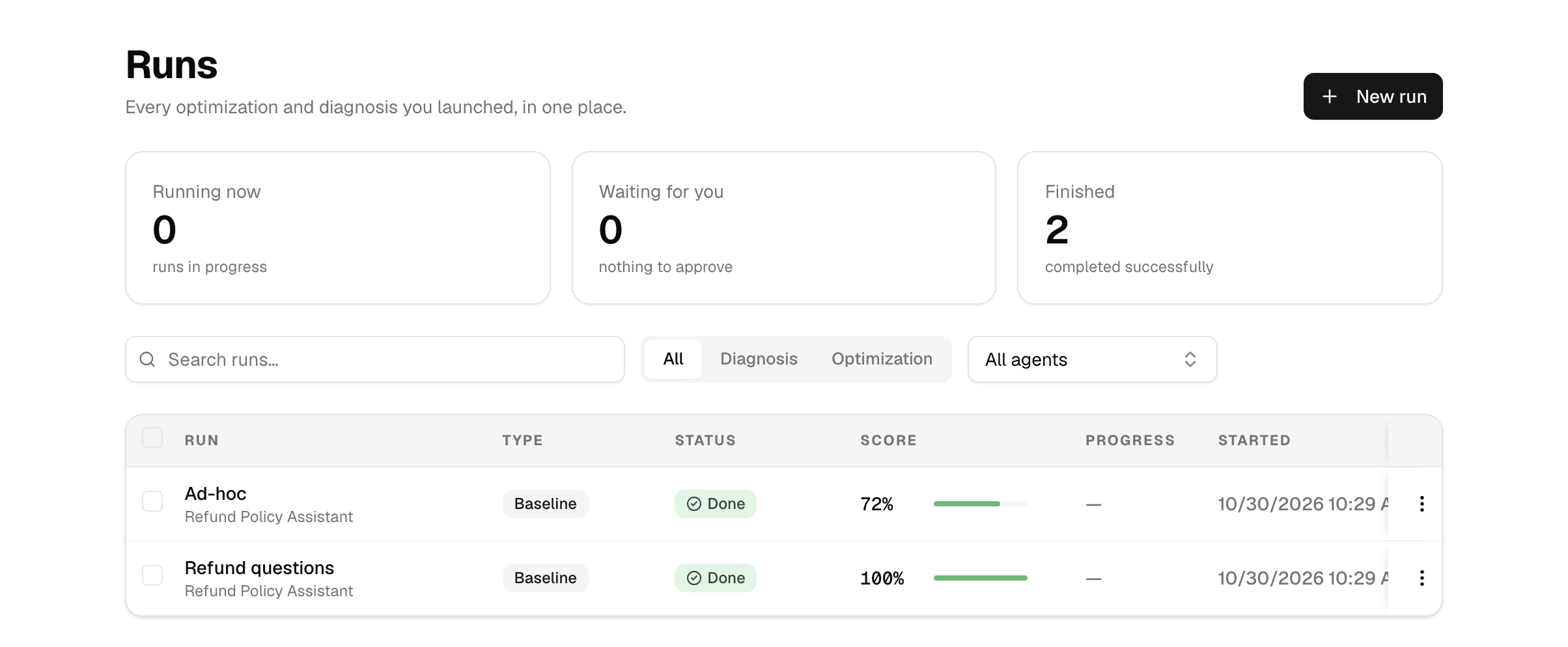
| Runs | Start a run and follow every run you launched: measurements, improvements and analyses of real chats. | Test an agent |
| Environments | Keep tests you run again: the checks, and the simulated people or fixed messages they play. | Build an environment |
| Certification | Measure an agent against a success rate you set; a reviewer approves or rejects the result. | Certify an agent |
Key terms
| Term | Meaning |
|---|---|
| Simulated person | A made-up user with a situation, a goal and a first message, who chats with the agent turn by turn. |
| Fixed input | A scripted message, or a few in a row, sent to the agent; the last answer is scored. |
| Check | What an answer must satisfy. A Rule passes or fails exactly; an AI judge scores what rules cannot catch. |
| Run | One test of an agent: Measure, Measure and improve or Analyse real conversations. |
| Certification | Many runs of the same cases against the platform's default criteria, with a pass bar and a reviewer. |
To run Lab with an API key, see Lab in the API documentation.
How scheduled runs work
What a scheduled run does while nobody is watching, what is checked before it starts, and the limits on active tasks, failures, missed runs and expiry.
Test an agent
Start a run from Lab to measure an agent, let it improve round by round, or analyse its real chats, then read the result.