

Library
Library
The Library holds the files and document templates of the workspace you are in.
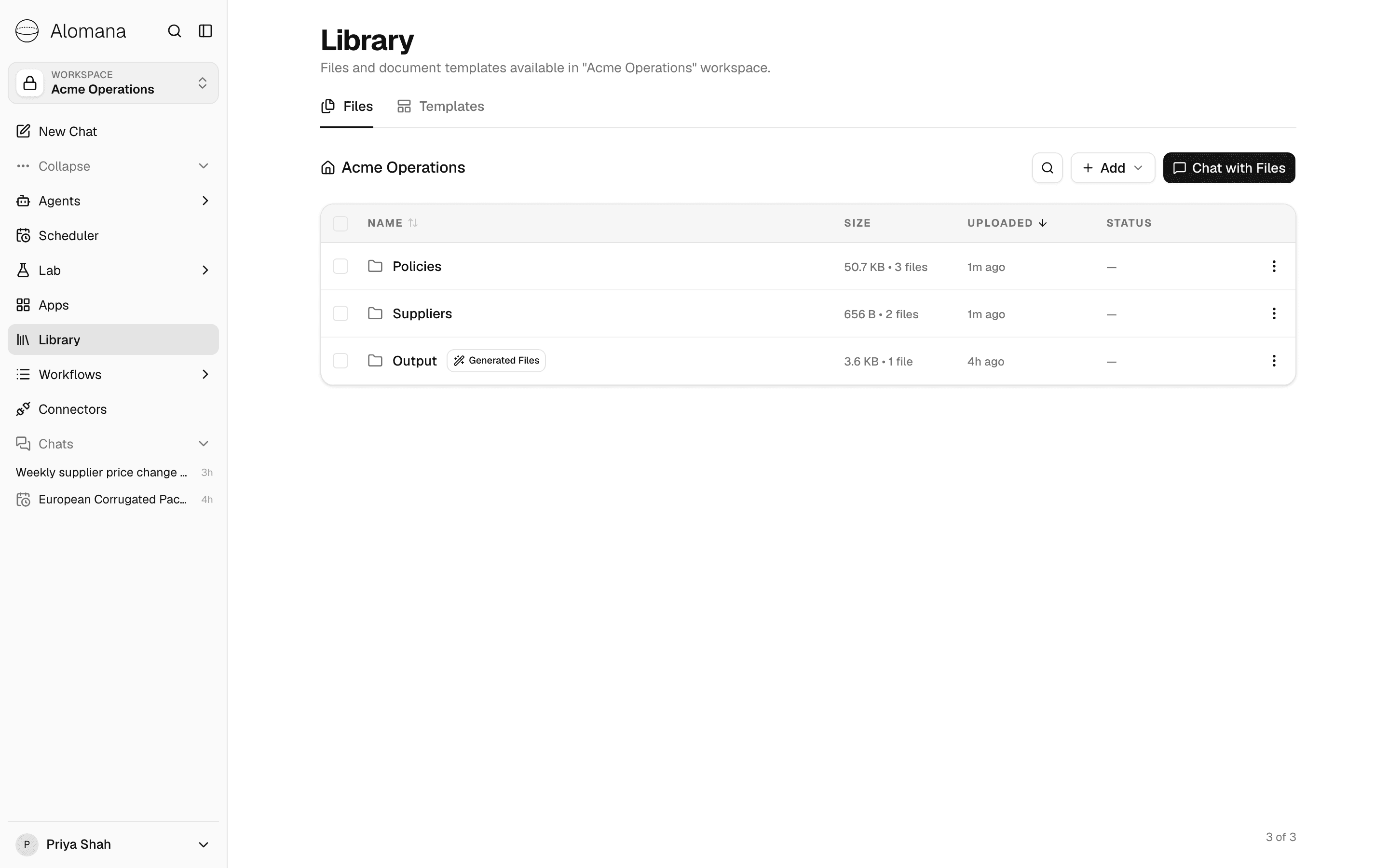
| Tab | What it holds |
|---|---|
| Files | Files and folders you upload, files saved from chats, and files imported from SharePoint. |
| Templates | Word and PowerPoint files whose design agents follow when they create a document. |
Who sees what
| Item | Who can see it | Who can change it |
|---|---|---|
| Uploaded files and folders, and files saved from chats | Everyone in the workspace | Everyone in the workspace |
| Workspace templates | Everyone in the workspace | Workspace admins |
| Global templates | Every workspace on the deployment | Platform admins |
Each workspace has its own Library; switching workspace switches the Library. To put a file in another workspace, use Copy to workspace.
Pages in this section
- Manage files and folders: upload, organise, preview and delete files, and find files saved from chats.
- Use document templates: add Word and PowerPoint templates and create documents from them.
Copy an app to another workspace
Copy an app into another workspace you belong to, see what the copy takes along, and update the copy when the original changes.
Manage files and folders
Upload files to the Library, organise them in folders, preview, download, move, copy and delete them, and find files saved from chats.